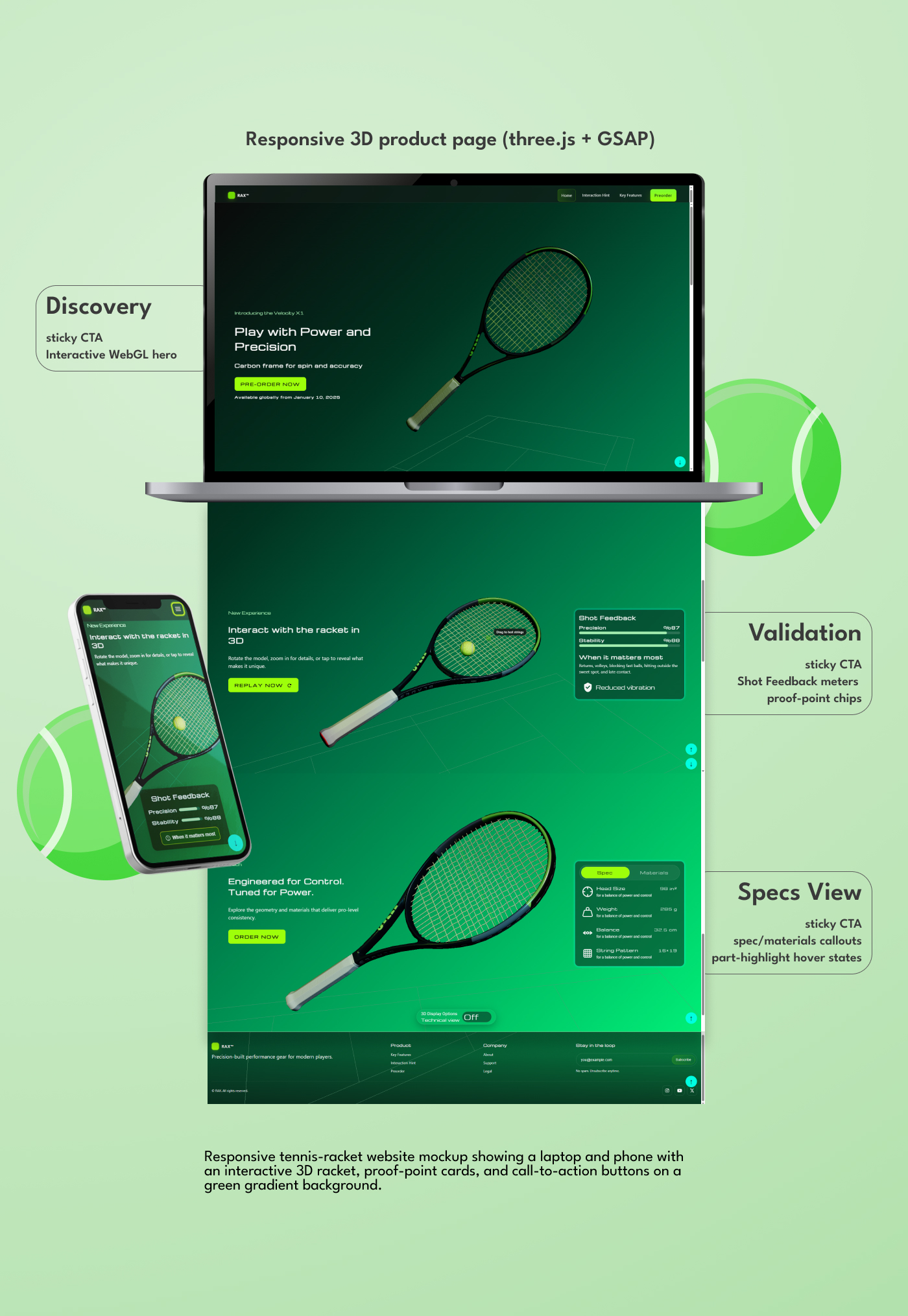
The 2D vs 3D Gap
Bridging the gap between static 2D layouts and interactive 3D experiences is key to making product exploration both clear and engaging.

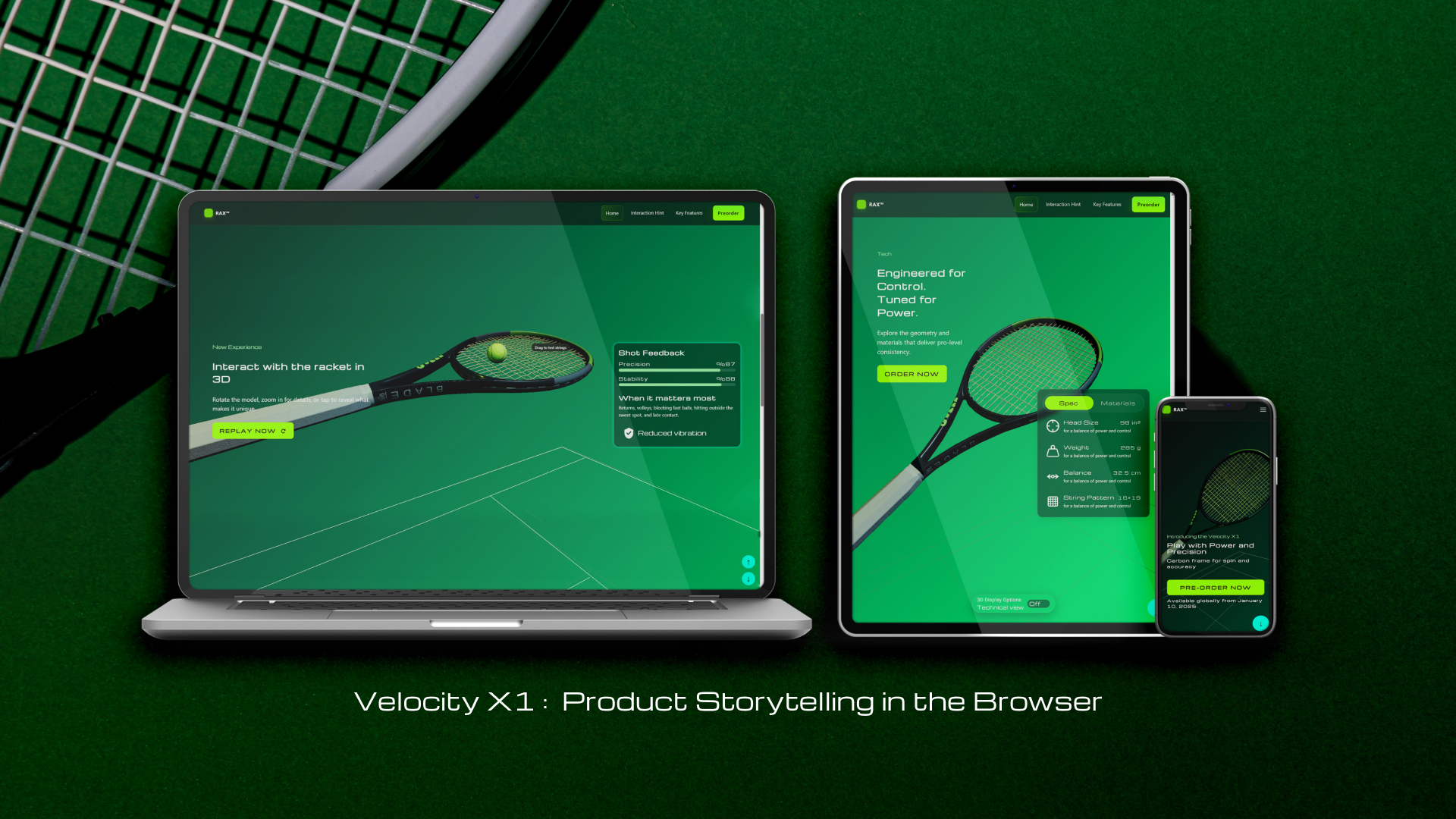
I designed and coded Velocity X1, an interactive product launch experience for a performance tennis racket. The project blends UX research, UI design, and front-end implementation using Three.js and GSAP to tell the product story in real time—spin, vibration, and precision visualized through clear, accessible UI. Built mobile-first, optimized for performance, and ready to scale into e-commerce flows.
Product Designer (UI/UX) & Front-End Developer — solo project
Figma, Three.js, GSAP ScrollTrigger, VS Code
2 months (concept → prototype)
Bridging the gap between static 2D layouts and interactive 3D experiences is key to making product exploration both clear and engaging.
Turn a static launch page into an interactive 3D experience.
Quick, credible proof-points that show why the product is different.
Clarity, flow, interaction, responsive, accessibility, conversion.
Three.js + GSAP micro-interactions validate usability/performance.
Purposeful motion clarifies actions and maintains continuity.
Measure task success, time-to-action, and performance budgets.
Tennis racket advertisements across websites, social media, video, and interactive platforms use a harmonized approach: visually rich presentations of the product (2D photography, video, and occasionally 3D/AR) combined with message consistency that emphasizes the racket’s value to the player.
The common threads are aspirational imagery and language, clear communication of performance benefits, and increasing opportunities for the user to interact or personalize.
I analyzed how leading tennis brands advertise and sell rackets online. Most rely on static 2D photography, with only a few offering 360° spins or AR previews. Advertising campaigns consistently use aspirational messaging (‘Play Legendary,’ ‘Play Fearless’) paired with close-up visuals of pro athletes. From this review, I saw a gap: while 2D layouts are clear and familiar, they lack the depth and interaction users expect when evaluating equipment. This input shaped the challenge of embedding seamless 3D exploration into a 2D interface
By introducing 3D interaction into a 2D interface, users could rotate, zoom, and inspect the racket without leaving the page. This improved engagement, supported decision-making, and made the digital experience closer to handling the product in-store.
Competitive scan revealed three recurring issues: spec-heavy layouts, slow page performance, and unclear value communication. These gaps pointed to the need for a clearer, faster narrative.
Because pages were overloaded with specs and slow, I restructured the flow into Discovery → Validation → Pre-order, delivering proof-points at the right moment
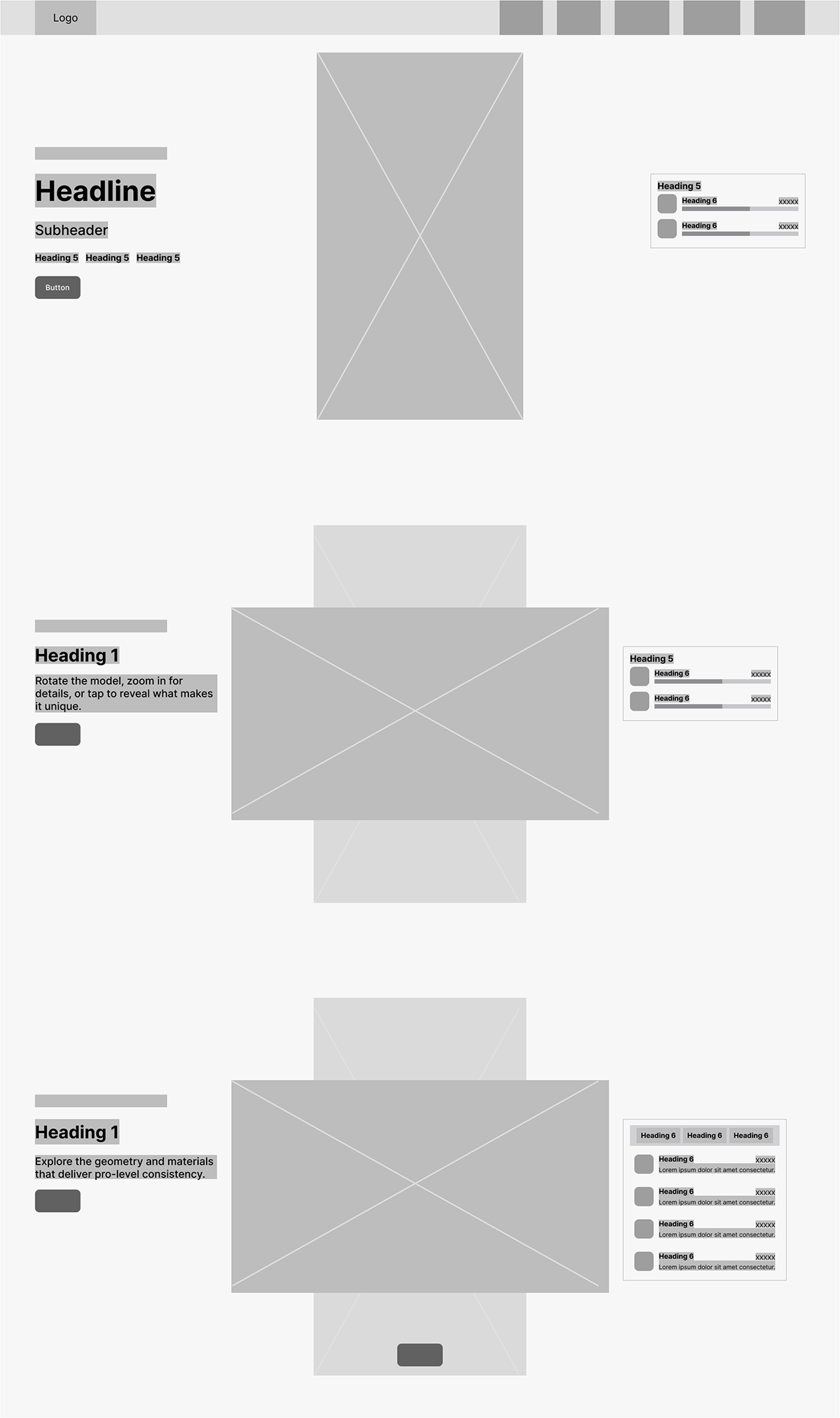
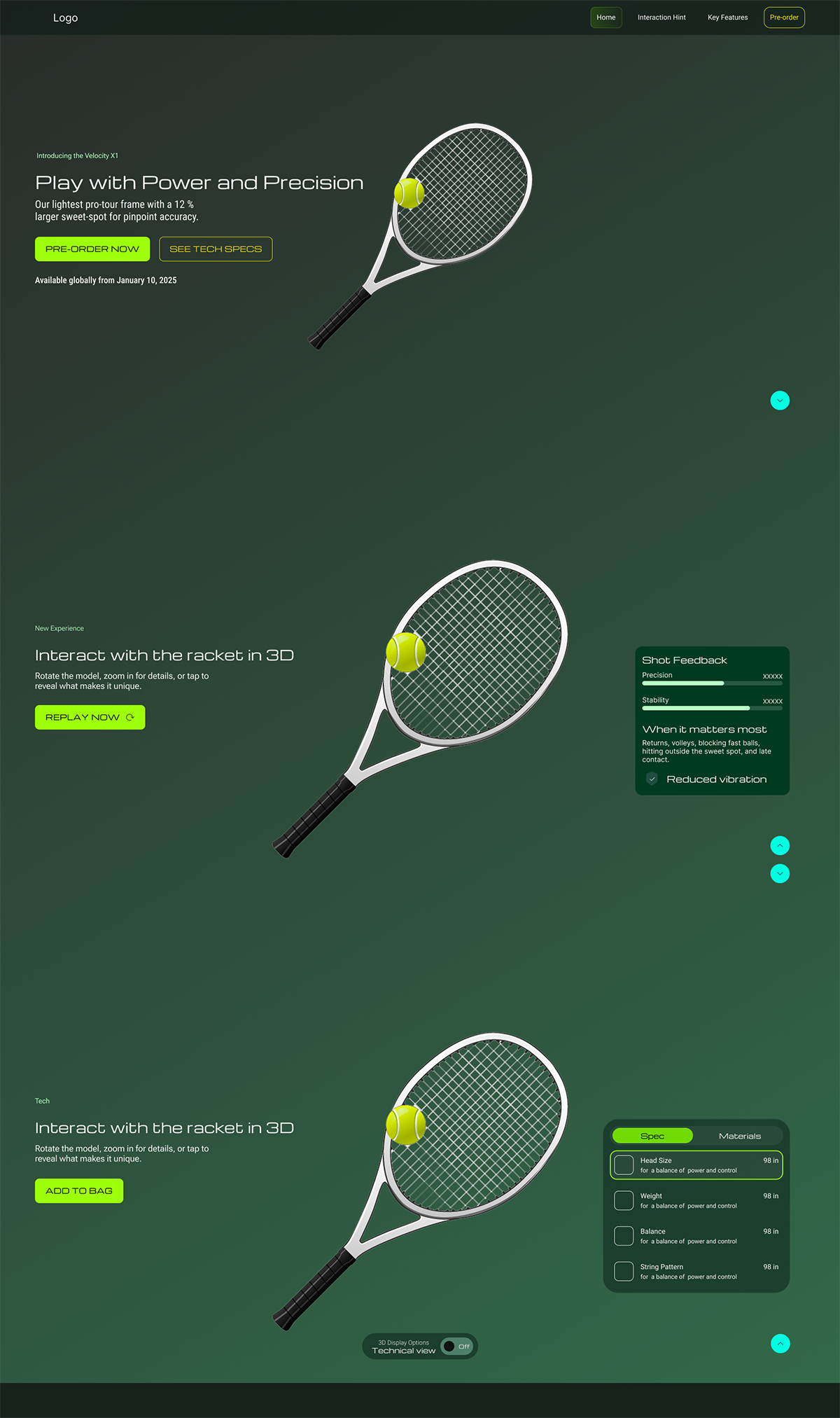
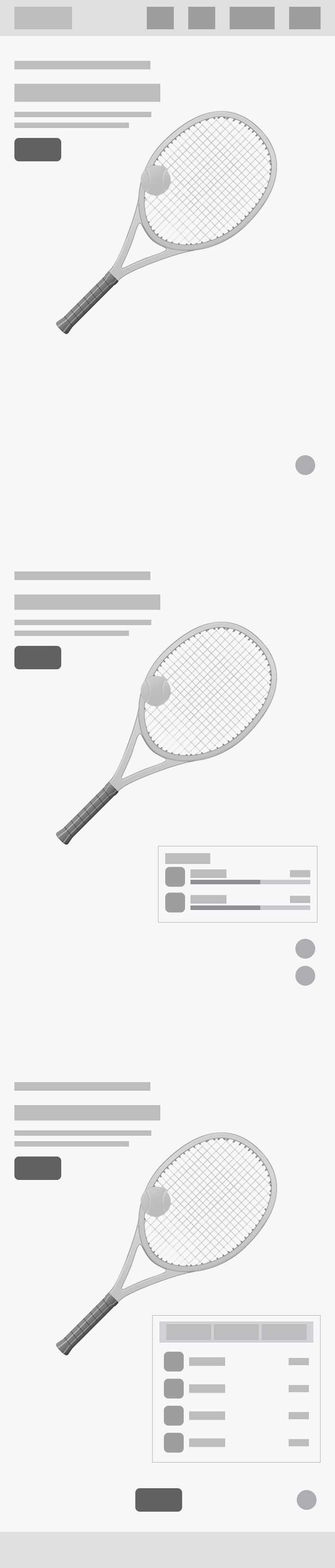
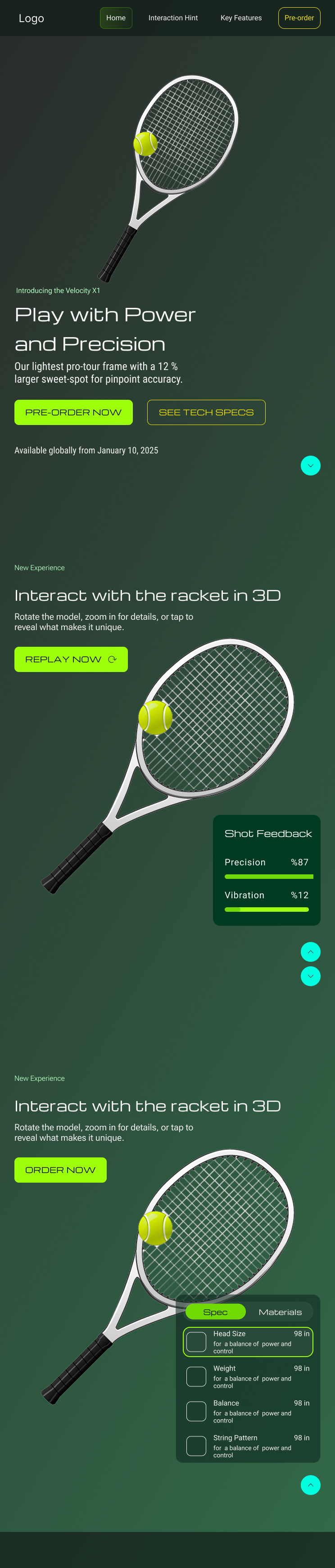


Goal: Avoid misinterpretation caused by using the same green color for two metrics with opposite desirability—Precision/Stability (higher is better) vs. Vibration (lower is better)—and keep the card scannable on mobile.
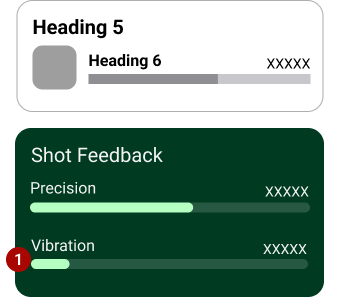
Problem: users read all green bars as “more is better,” which makes Vibration misleading.
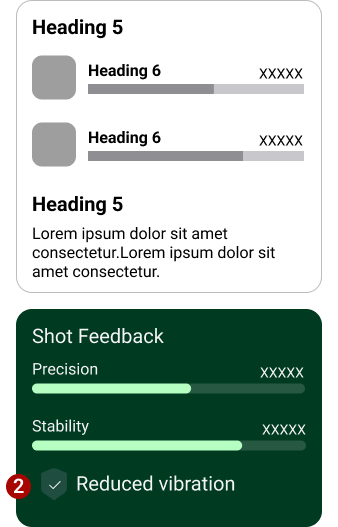
Separated Precision/Stability (high-is-good bars) from Vibration
(low-is-good).
Introduced an affirmative chip—Reduced vibration—with an icon, so
the message is positive without implying “more.”
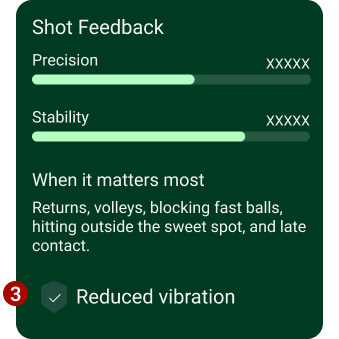
Separated Precision/Stability (high-is-good bars) from Vibration
(low-is-good).
Introduced an affirmative chip—Reduced vibration—with an icon, so
the message is positive without implying “more.”
Peek → Expand → Validate. Proof-points over specs; quick, scannable decision path.
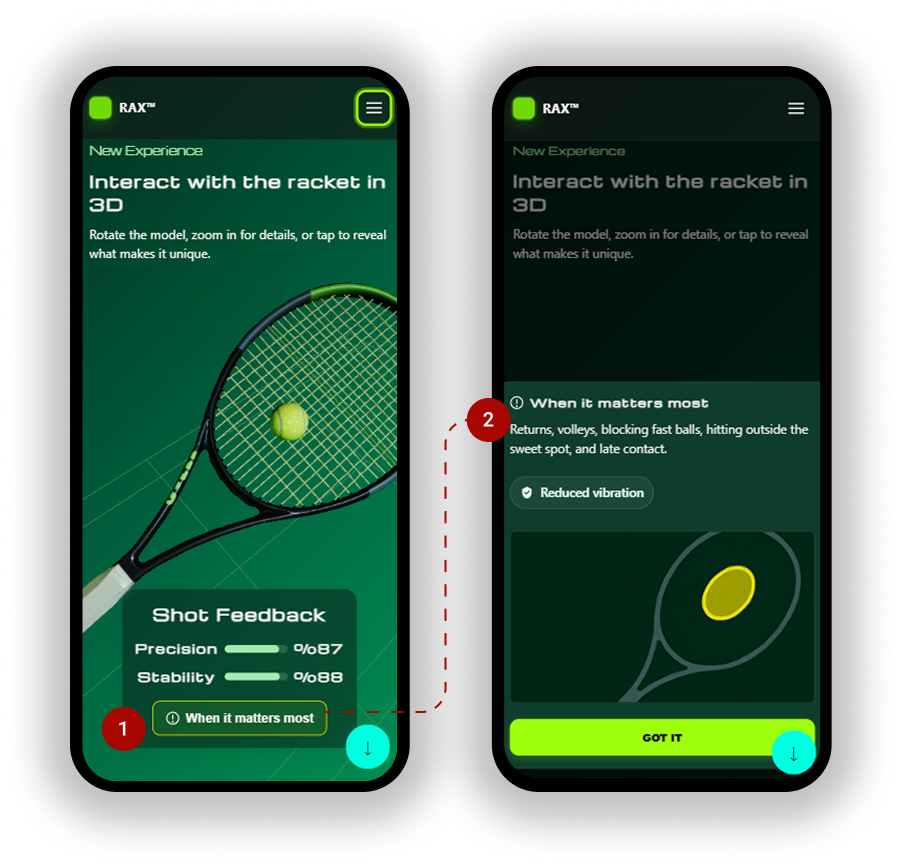
Full / Validate Full-height modal adds ‘When it matters most’ context and sticky CTA (‘Got it’). Swipe down, tap scrim, or Esc to close.
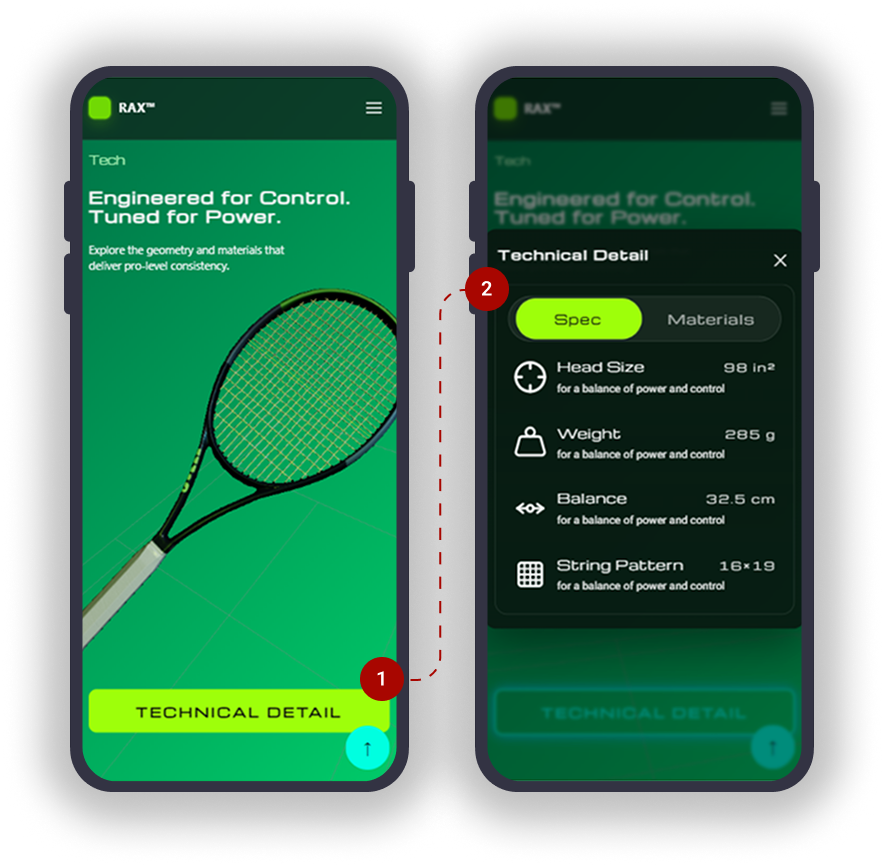
Quick, scannable specs & materials in a tabbed modal; background dims and 3D controls pause.
In this MVP section, tapping the tennis ball triggers animated bar graphs, revealing key performance metrics of the racket. This interaction was designed to keep the product evaluation playful yet informative, turning complex specs into instantly scannable visuals. By embedding interaction into the product story, users can explore details without leaving the flow of the page.
This section introduces a technical view toggle that changes the racket’s appearance and updates the specification tables. While hovering over each value, the corresponding part of the racket is highlighted in real time. This design connects technical data with the physical product, making specifications more tangible and supporting informed decision-making.
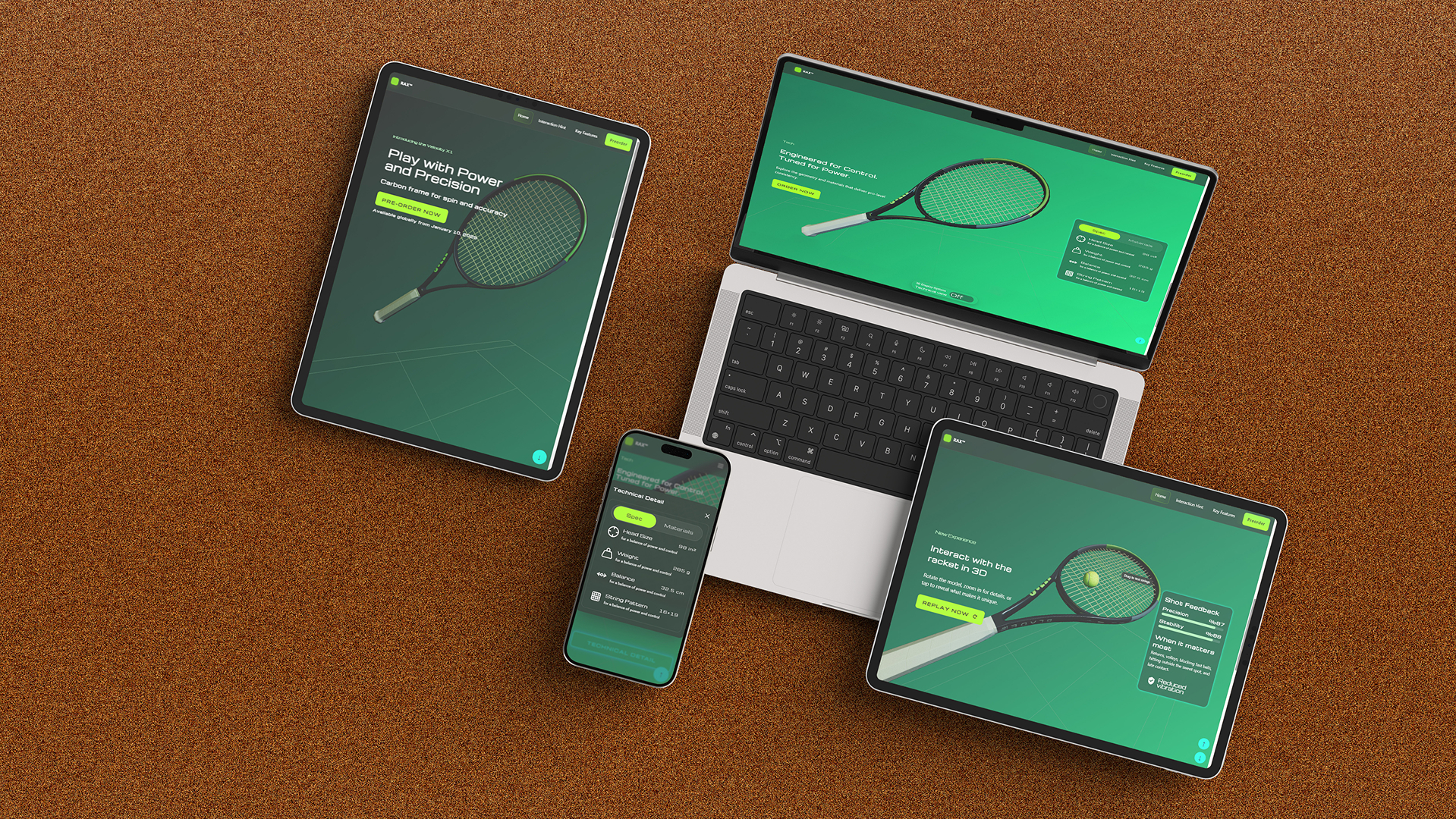
To visualize how the MVP could be presented in real campaigns, I created a promotional mock-up featuring the responsive product page across iPad, laptop, and mobile devices. This highlights the consistency of the design system across breakpoints and demonstrates its potential as a market-ready digital ad.